Identity verification (KYC)
Some actions require you to prove your identity. Verification is handled by an outside partner, in another tab, and takes a few minutes. The platform only keeps the result.
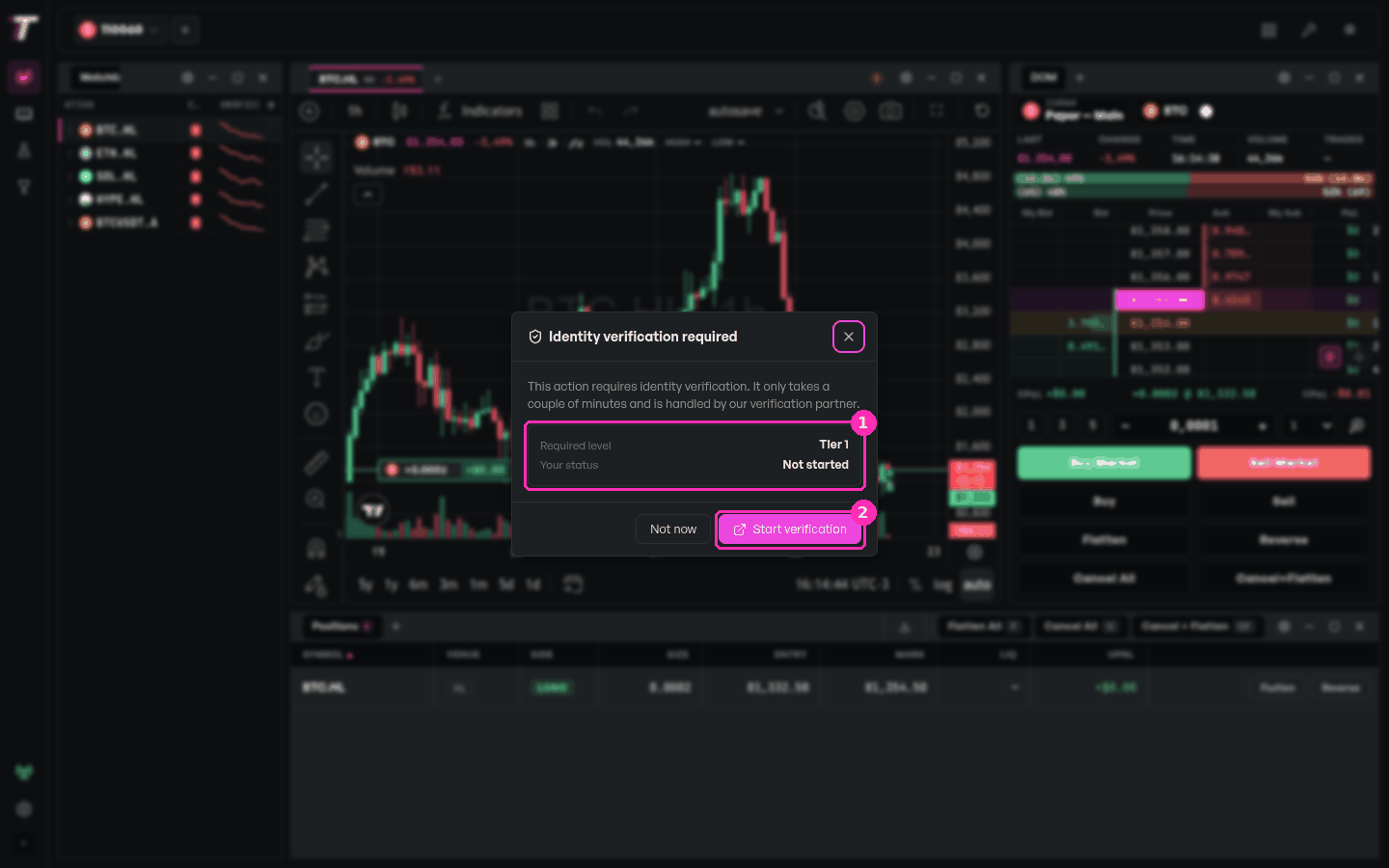
1 Required level and your status · 2 Start verification
Where to find it
You do not look for this screen: it opens by itself when an action requires verification, titled Identity verification required and showing the Required level.
When it is required
Today, the known trigger is buying crypto with traditional money (on-ramp), which requires tier 1. Deposits made with crypto only, straight from your wallet, do not go through this check. Higher tiers exist for other features, such as linking traditional brokers and institutional use.
Availability: what requires KYC, and at which tier, may vary by operator and enabled modules.
How to verify
- In the verification window, click Start verification.
- Complete the steps in the tab the platform opens.
- Return to the platform and click Re-check status.
- When the status is Approved, click Continue to resume your action.
Approval is not instant: it arrives later, and the platform only updates when you ask for another check.
Verification states
| State | What it means |
|---|---|
| Not started | You have not begun |
| In progress | You started and need to finish the steps |
| In review | Submitted and waiting for review |
| Approved | Identity verified for that tier |
| Rejected | The last attempt was declined; you can start another with Verify again |
| Expired | The verification lapsed; use Verify again |
The "Complete your profile" notice
This is a different thing: a notice asks for First name, Last name and Phone to unlock rewards and payout flows. Click Complete profile or Dismiss for 24h.
Frequently asked questions
My verification has been in review for a while. What do I do? Click Re-check status. If it stays stuck, contact support.
Do my documents stay on the platform? No. Submission happens at the verification partner; the platform only receives the status.