Close your account
Closing your account permanently removes your access to the platform. Today the button exists in Settings, but it is inactive: closing is not something the app does by itself.
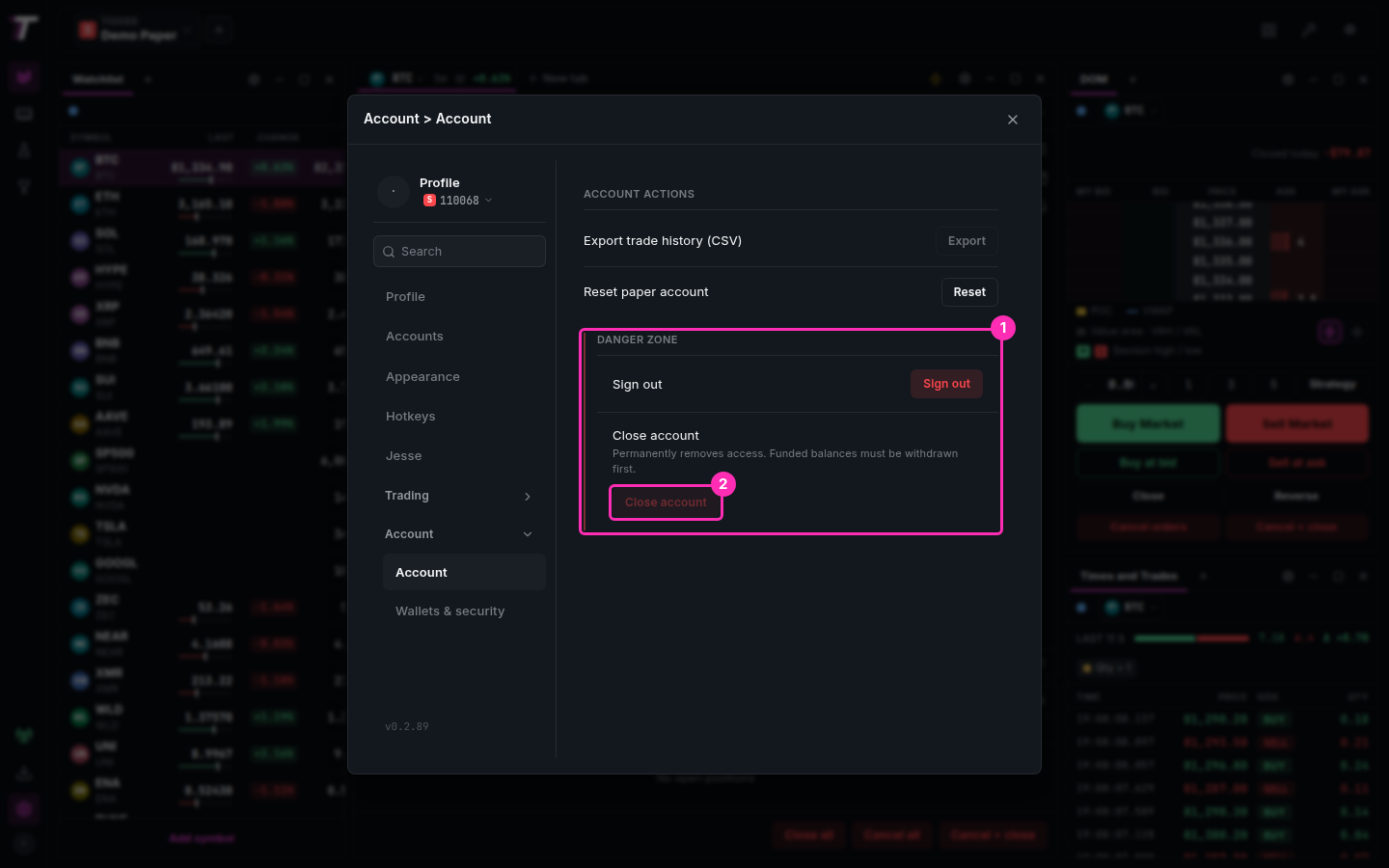
1 Danger zone · 2 Close account (inactive today)
Where to find it
Settings > Account, under the Danger zone. Sign out and Close account live there.
What the platform tells you
The note next to the button says: Permanently removes access. Funded balances must be withdrawn first. That means:
- Closing removes your access, and it is not reversible.
- If you have funds, withdraw them first. See Withdrawals.
Important: the Close account button is inactive today. To request closure, talk to support: Contact support.
Before you ask to close
- Withdraw your funds and make sure no position or order is open.
- Export whatever you want to keep, such as the trades tables. See Export history and reset a paper account.
- Revoke the trading agents you approved, in Settings > Trading > Trading agents.
If you just want to sign out or start over
- Sign out — ends the session on this device, deleting nothing.
- Reset paper account — clears a paper account and keeps your access.
- Remove account — in Settings > Accounts, removes a specific trading account, not your access.
Frequently asked questions
Does closing the account delete my wallet? No. The wallet is yours and keeps existing outside the platform.
Can I reopen the account later? There is no public information on that; talk to support before deciding.